.png?width=210&height=40&name=bleu%20et%20gris_Sigle+logo%20SBO%20(4).png)
You have recently made changes to your Colissimo account (directly with Colissimo, for example a password change), and you can no longer generate labels in Shippingbo. You receive the following error:
"Incorrect login or password"
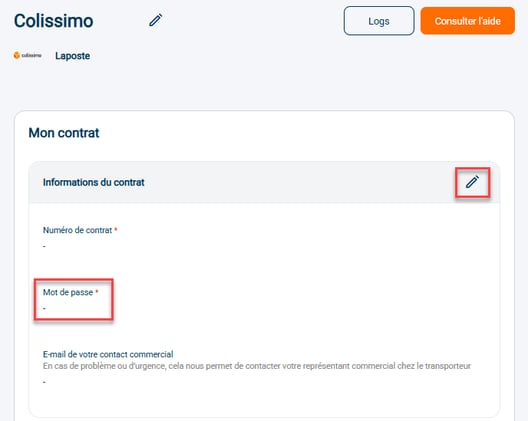
Solution: you need to enter the new password in your Colissimo label account in your Shippingbo account.
To do so, log in to your Shippingbo account and go to Connectors => Transport contracts => Colissimo:
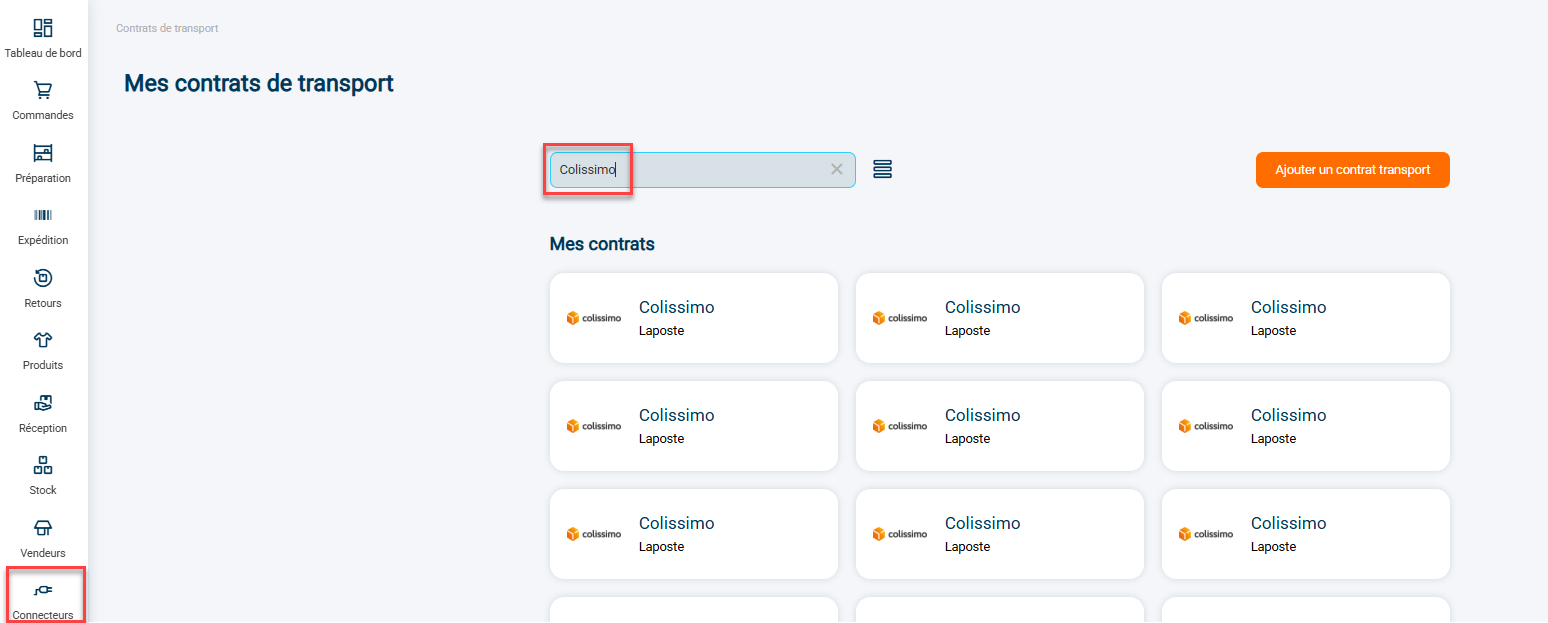
Enter the new password in the "contract information" tab and save the change:
Contact us 📬:
Questions about this feature?
Feel free to write to us here so that we can answer your questions.