.png?width=210&height=40&name=bleu%20et%20gris_Sigle+logo%20SBO%20(4).png)
Prerequisites✔️:
- Have the Invoices option enabled on your account.
📢 Warning:
Each invoice that has not yet been generated will be charged 0,03€.
Generate old invoices
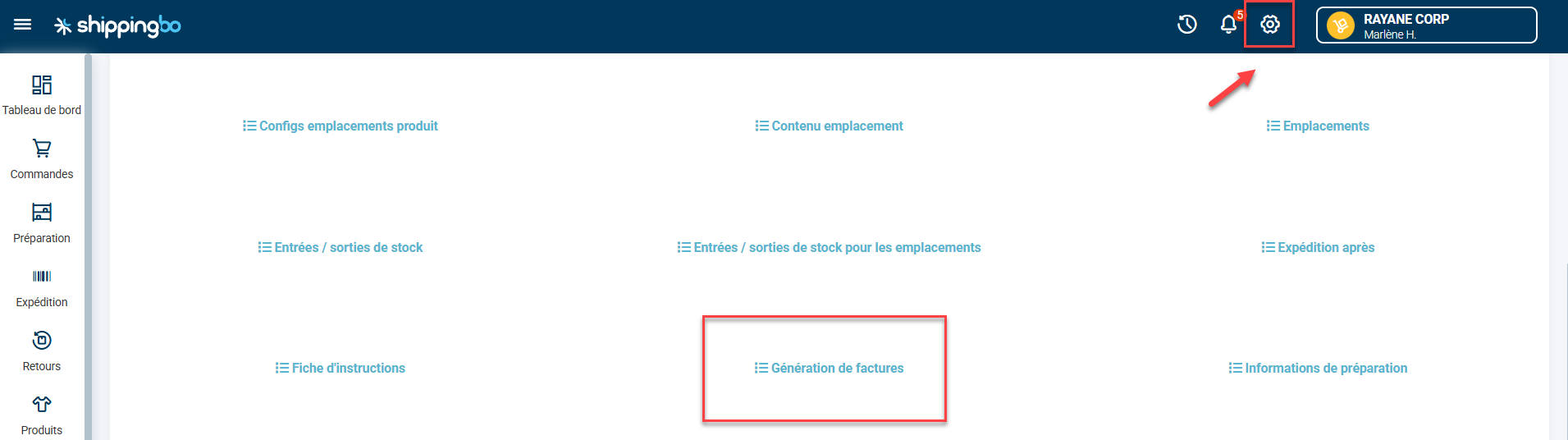
- Go to the menu Configurations -> File management -> Import -> Invoice generation:
- Click on Import a file, then download the sample file:
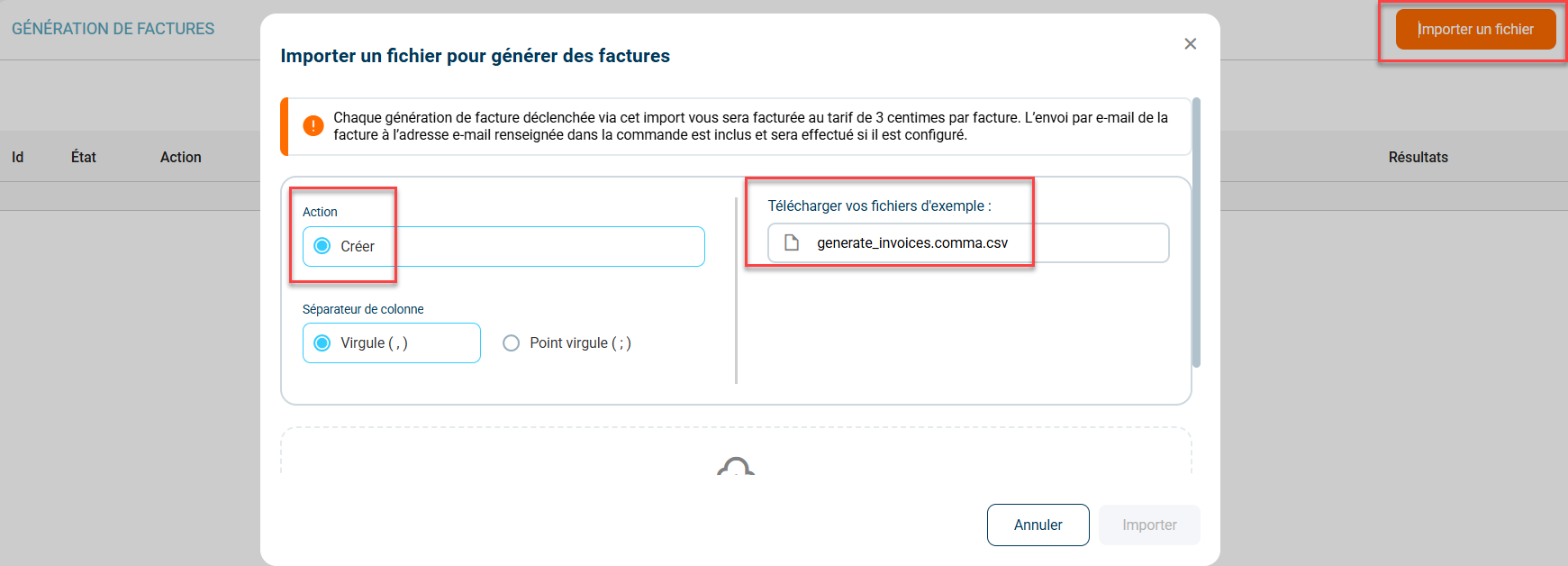
- Fill in column A of the file with the order IDs for which you want to generate the invoices.
- Once the file is filled in, import it by clicking on Drop or select a file, then on Import:
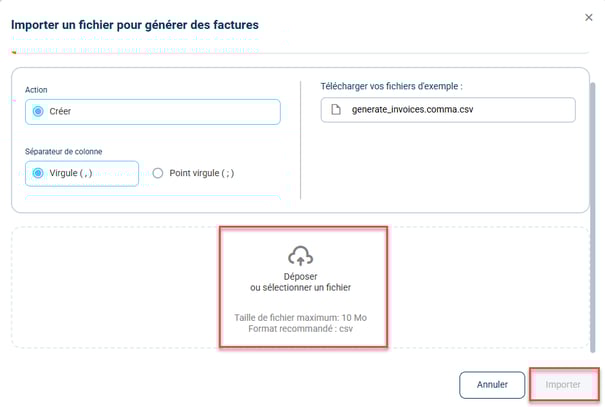
You will find the invoices in the Documents tab of each of the orders concerned.
To go further 🛫:
- Invoice option on Shippingbo
Contact us 📬:
Questions about this feature? Feel free to write to us here so that we can answer your questions.