.png?width=210&height=40&name=bleu%20et%20gris_Sigle+logo%20SBO%20(4).png)
You have configured an order status change notification email and you are using an SMTP address that you configured beforehand, but the variables are not taken into account:
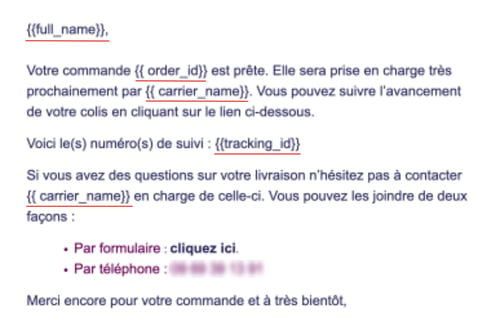
This may be due to an error in the notification code.
✅Solution:
You can check the code of the variables to see whether or not it contains errors.
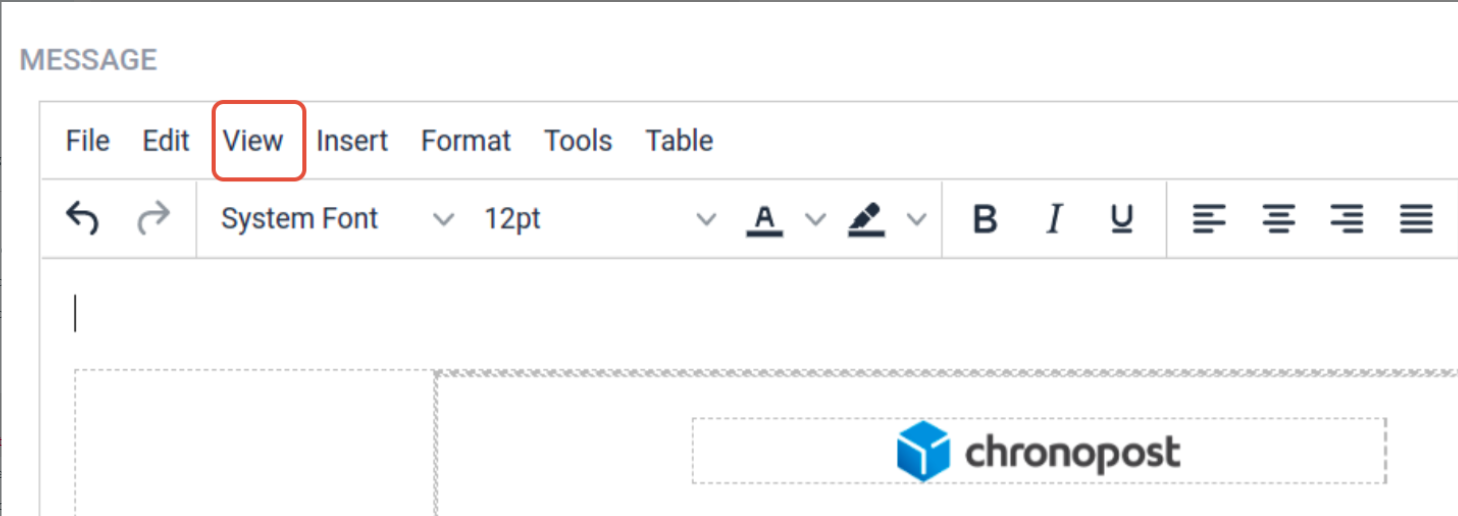
To do so, go to the notification settings and click on "View" then on "Source code":
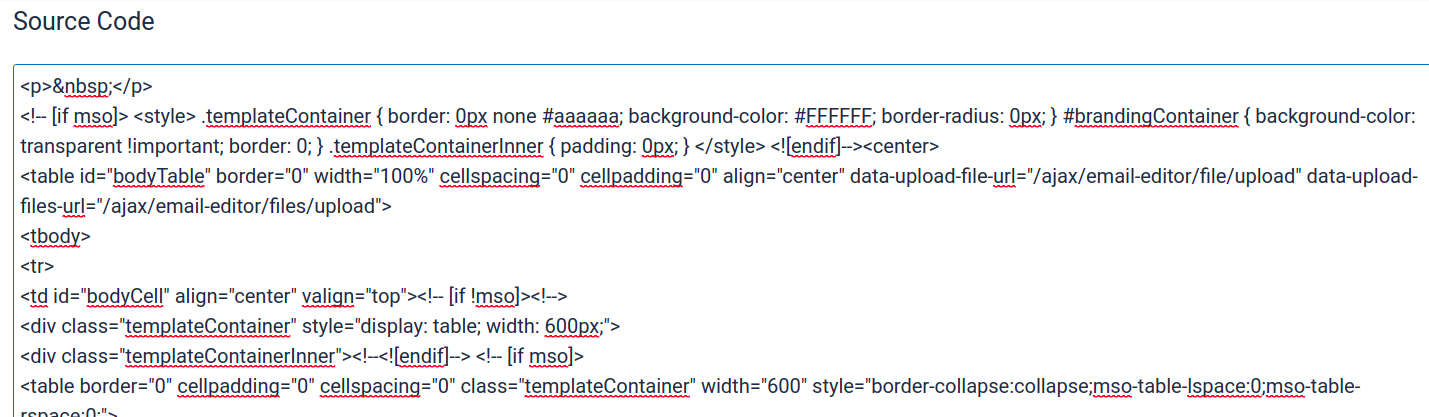
In the example above, html tags have been added around the variables, and for {{full_name} a closing brace is missing to close the variable.
Contact us 📬:
Questions about this feature? Feel free to write to us here so that we can answer your questions.