.png?width=210&height=40&name=bleu%20et%20gris_Sigle+logo%20SBO%20(4).png)
Welcome to Shippingbo!
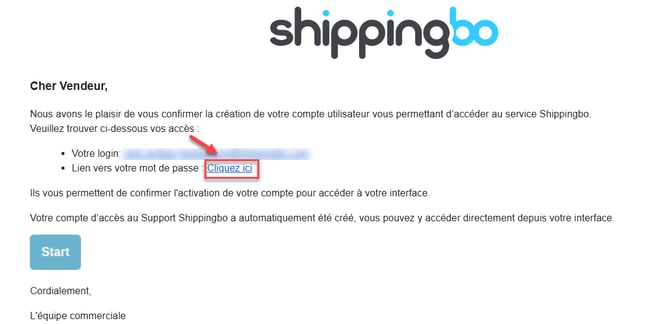
You will receive an email from no-reply@shippingbo.com, If you do not receive this email, please check your spam.
To create your Shippingbo account, please follow the steps described below.
1. Shippingbo Account Creation Process
1.1 Click on this link to get your unique password:
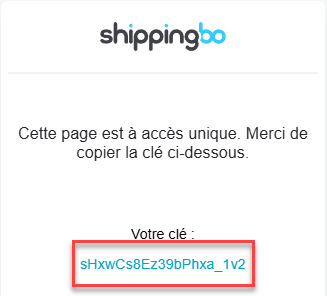
1.2 Copy the password into the window that opens.
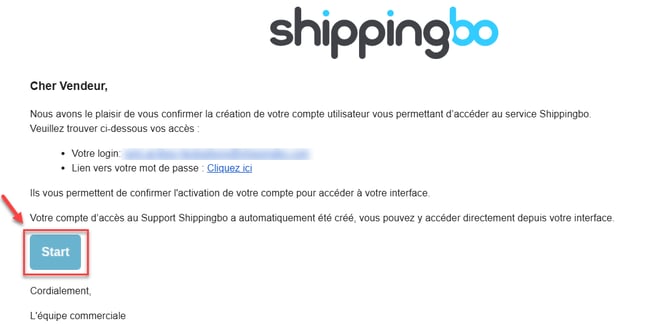
1.3 Click the "Start" button in the activation email and enter your login details and the password generated above.
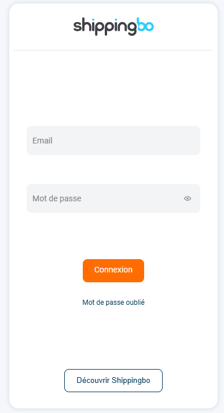
1.4 You will be able to enter your copied username and password at the next step. 1.2.
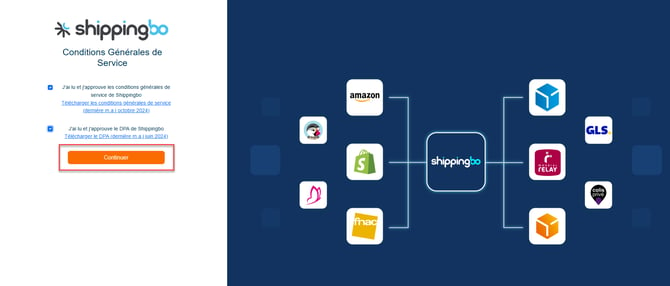
1.5 This will allow you to review our terms and conditions of service before accepting them. Then click on Continue :
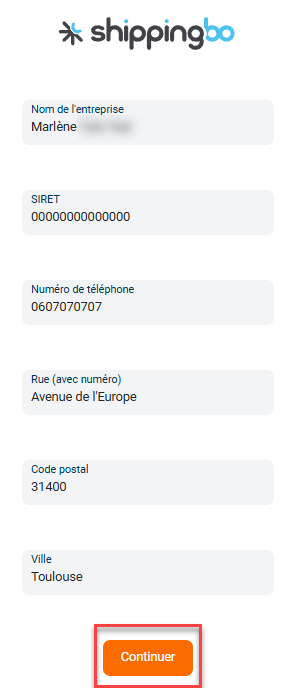
1.5 Please fill in the requested information before clicking on Continue:
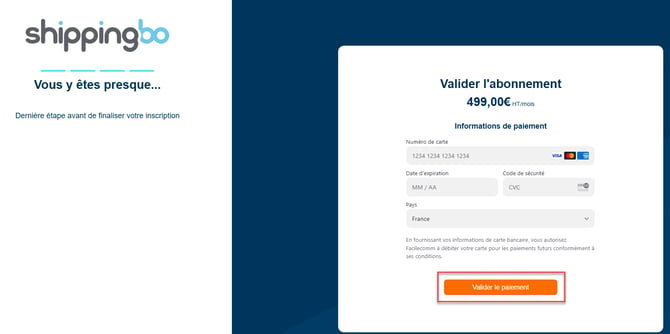
1.6 Finally, enter your bank details before clicking on Confirm payment :
Your account is now active. If you are a new customer, the integration team will start the setup as soon as we have all your configuration information, and will get back to you soon.
2. Access the Shippingbo support service
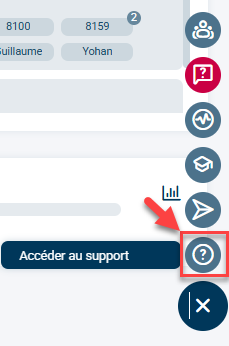
Once you have successfully logged into your Shippingbo account, access our knowledge base and support service directly by clicking on the menu at the bottom right of the screen, then on the question mark logo:
💡 Tip:
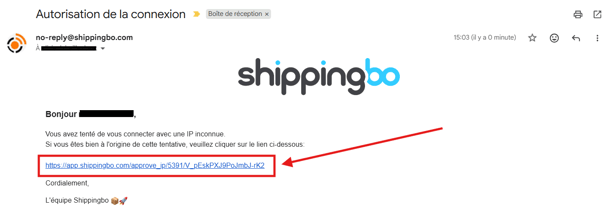
When Shippingbo identifies that the connection is suspiciousShippingbo prevents the connection and sends a confirmation email to the email address of the account in question.
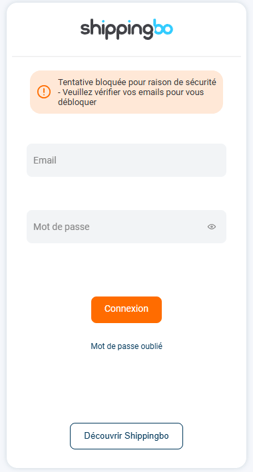
Click on the confirmation link in the email to authorize the connection. Shippingbo will record that this connection is not suspicious. and will allow the connection:
To go further 🛫:
Contact us 📬:
Questions about this feature? Feel free to write to us.hereso that we can answer your questions.