.png?width=210&height=40&name=bleu%20et%20gris_Sigle+logo%20SBO%20(4).png)
1. Prerequisites
- To connect your Chronopost return service, you must first have connected your outbound service.
➡️ For this, you can consult our tutorial Carriers - Connect Chronopost. - Feature available for all Shippingbo Packs (LMS, OMS, WMS, and TMS).
🚩 Special case:
If your Shippingbo database is a WHOYou do not need to have already configured an outbound service. However, access to the configuration of return services requires activation by our technical teams, whom you can contact. here.
2. Connect the Chronopost return contract
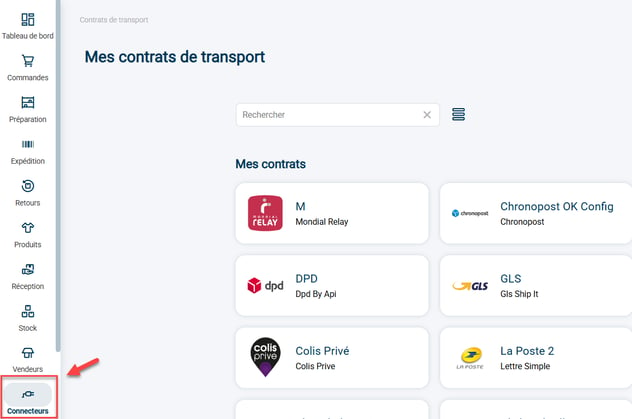
Step 1:Go to your carrier settings via the menu Connectors -> Transport contracts :
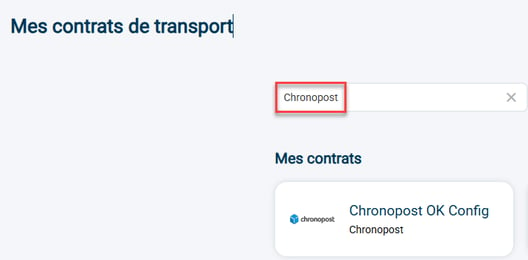
Step 2: Find your Chronopost connected contract and then access its settings:
🚩 Special case:
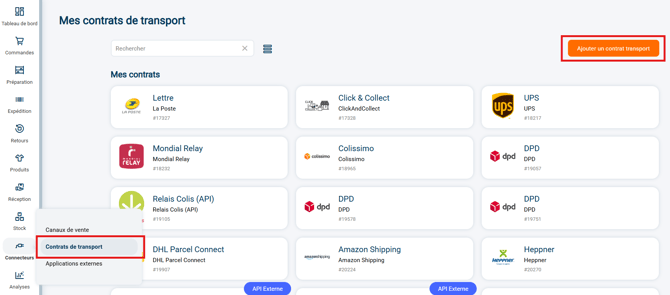
If your Shippingbo database is a WHOYou will need to create the transport contract at this stage. Go to Transport contracts and click on Add a transport contract :
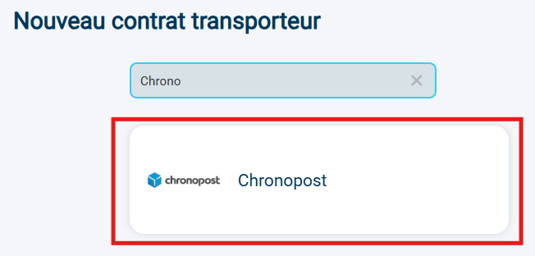
Search "Chronopost" in the search bar and click on the tile Chronopostwhich is displayed:
Step 3: Go to the category My services return then click on Add a return service :

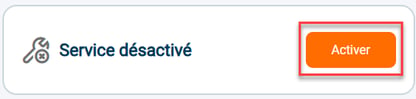
The service will be disabled by default. It will need to be activated Once all the login information has been correctly entered:
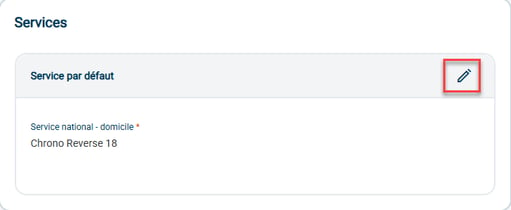
Step 4: Select the service name: Chrono Reverse 9 / Chrono Reverse 10 / Chrono Reverse 13 / Chrono Reverse 18 / Chrono Return Europe / 2Shop Return / 2Shop Return Europe / 2SRET:
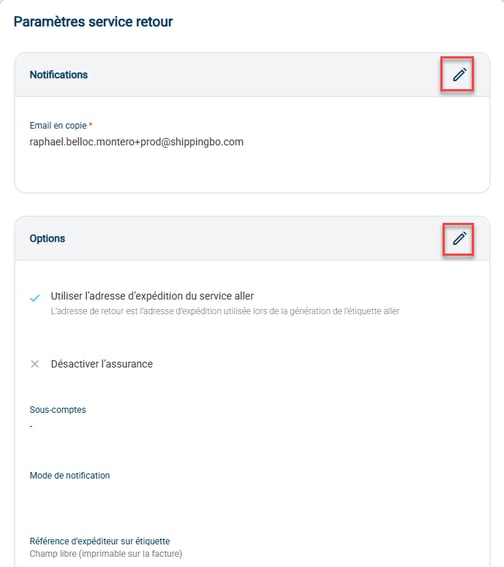
Step 5:Next, enter your return service settings:
- NotificationsEnter here the email address to be notified when a return is created under this contract.
- Options :
- Use the shipping address from the outbound service: Check this option if you want the return address to be the same address as the shipping address provided in the outbound contract.
- Deactivate insuranceCheck this option if you wish to uncheck the insurance on Chronopost return parcels.
Step 6: If needed, you can remove this carrier by clicking on "Remove connector":

To go further 🛫:
- Carriers - Connect Chronopost
Contact us 📬:
Any questions about this feature?
Feel free to write to ushereso that we can answer your questions.