.png?width=160&height=30&name=bleu%20et%20blanc_Sigle+logo%20SBO_300dpi%20(2).png)
In Shippingbo, it is possible to customize the logo of an order source.
1. Go to the menu Configurations -> Orders -> Logo customization -> Click on Add:

2. Select from the drop-down list the sales source for which you want to add a logo, then click on Validate.
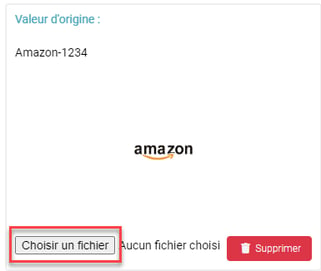
3. Then click on Choose a file in the box of the selected sales source and select the desired logo:
Contact us 📬:
Questions about this feature?
Feel free to write to us here so that we can answer your questions.