.png?width=210&height=40&name=bleu%20et%20gris_Sigle+logo%20SBO%20(4).png)
If your orders from your sales channel are not being imported into Shippingbo, make sure that order retrieval is correctly enabled in your settings.
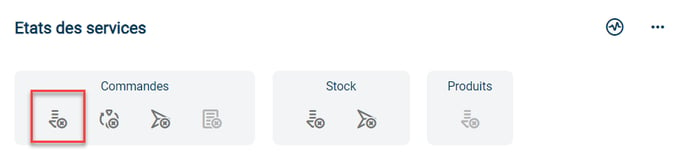
To do this, go to the menu Connectors -> Sales channels -> Open the details of the sales channel in question and check that the order retrieval logo in the Service status category is green.
If it is grey as in the image below, it means that order retrieval is not active:
✅ Solution:
To enable order retrieval in your Shippingbo account, go to the category Order retrieval, and click on the retrieval logo:
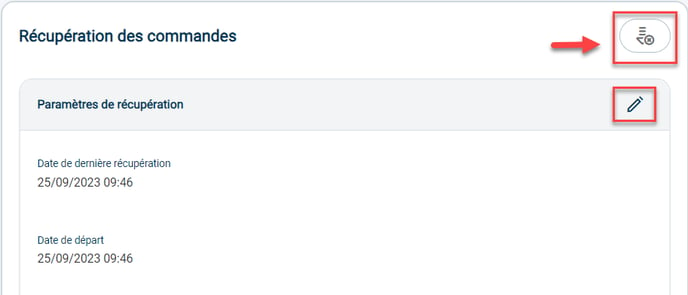
Then configure order retrieval as you wish by clicking on the pen logo.
Contact us 📬:
Questions about this feature? Feel free to write to us here so that we can answer your questions.